A place for the conversation. And what comes next.
A message starts the discussion. An announcement, an action or a shared document gives the team something to come back to. Here’s how those pieces work in NewsAndWins.
MESSAGING
Group messages for the crew. Private replies for one person.
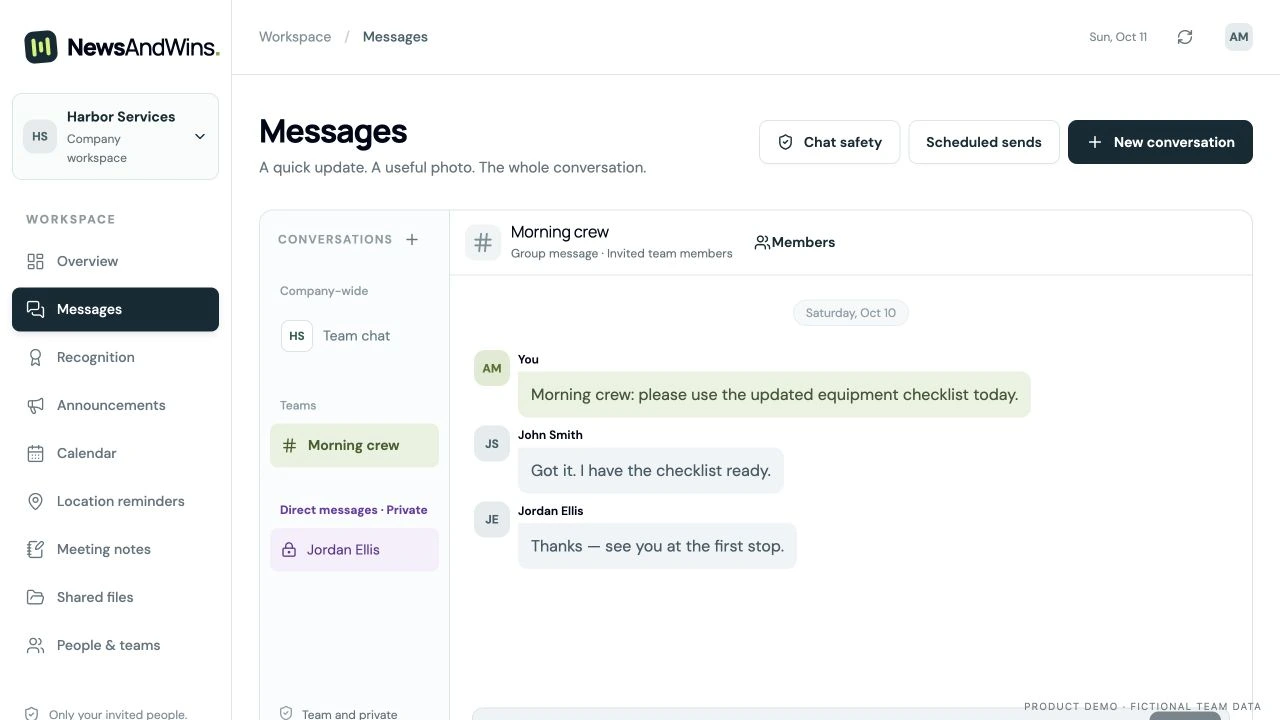
Talk to everyone, bring a smaller group together, or send a private message to an approved contact. Add photos, attachments and phone-recorded voice notes.
TEAM + GROUP MESSAGES
Choose who joins the conversation.
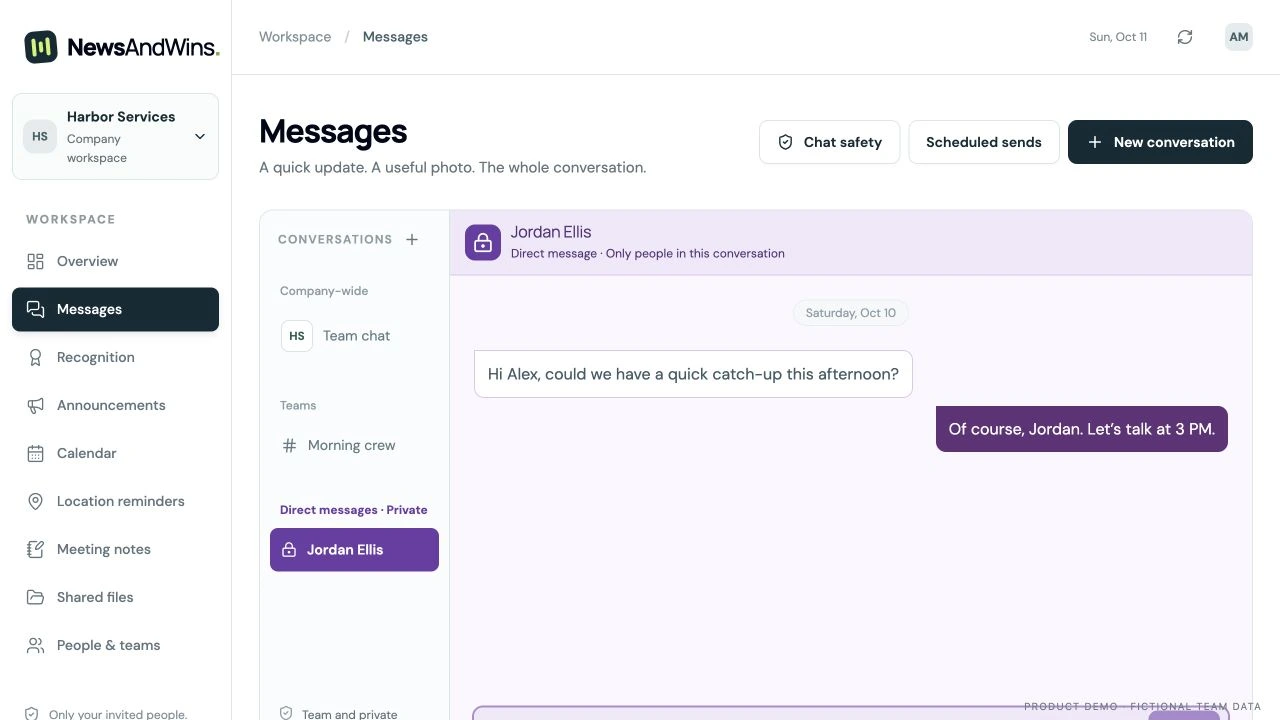
A company-wide Team chat and smaller group conversations for selected members.
Group messagesActual NewsAndWins interface. Fictional demonstration data.
PRIVATE MESSAGES
Keep a private reply private.
Private conversations with admin-approved contacts, such as managers or the office. Being an administrator does not grant access to other people’s private conversations in the app.
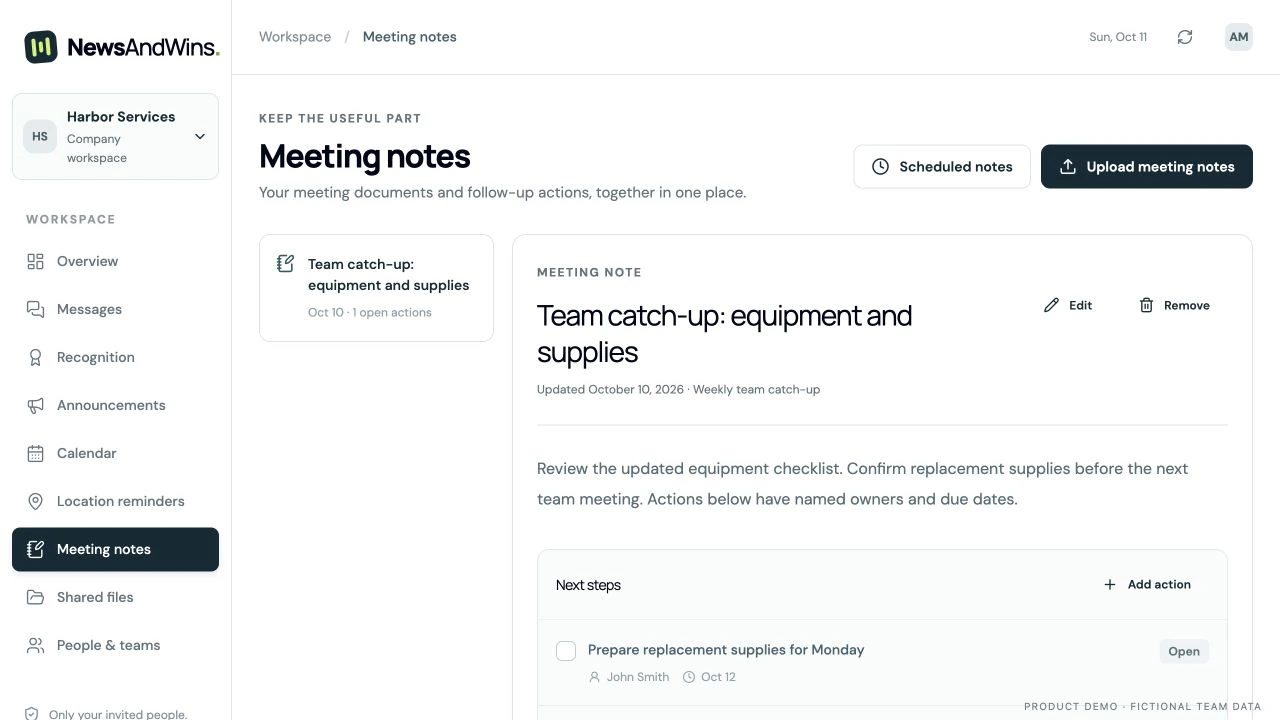
Meeting notes and follow-up actions with an owner, a due date and completion status.
Notes and actionsActual NewsAndWins interface. Fictional demonstration data.
ONE TEAM. TWO WAYS IN.
At the desk. Out on the job. Still connected.
A clear view for the office.
Manage updates, conversations, plans and your team from the browser dashboard.
A focused app for the field.
Your company’s name and logo. Personal activation codes, with no technician email or password required.
Signal drops. Keep going.
Read saved content and queue supported updates. Sync when you reconnect and open the app.
Online setup and saved content required. Offline access lasts up to 24 hours after membership verification. iPhone app available in the US App Store; Android remains in internal testing.
MORE PRODUCT DETAILS
Before you get started.
Check the practical details: invitations, scheduled sends, file limits and what works offline.
Your company, front and center
Your company name and logo in the admin workspace and technician app.
Company-logo Team chat and company-named notifications.
A browser dashboard for admins and a focused mobile app for technicians.
Company branding appears alongside NewsAndWins. This is one shared app, not a separately published app with your own home-screen icon.
Dates, meetings and team life
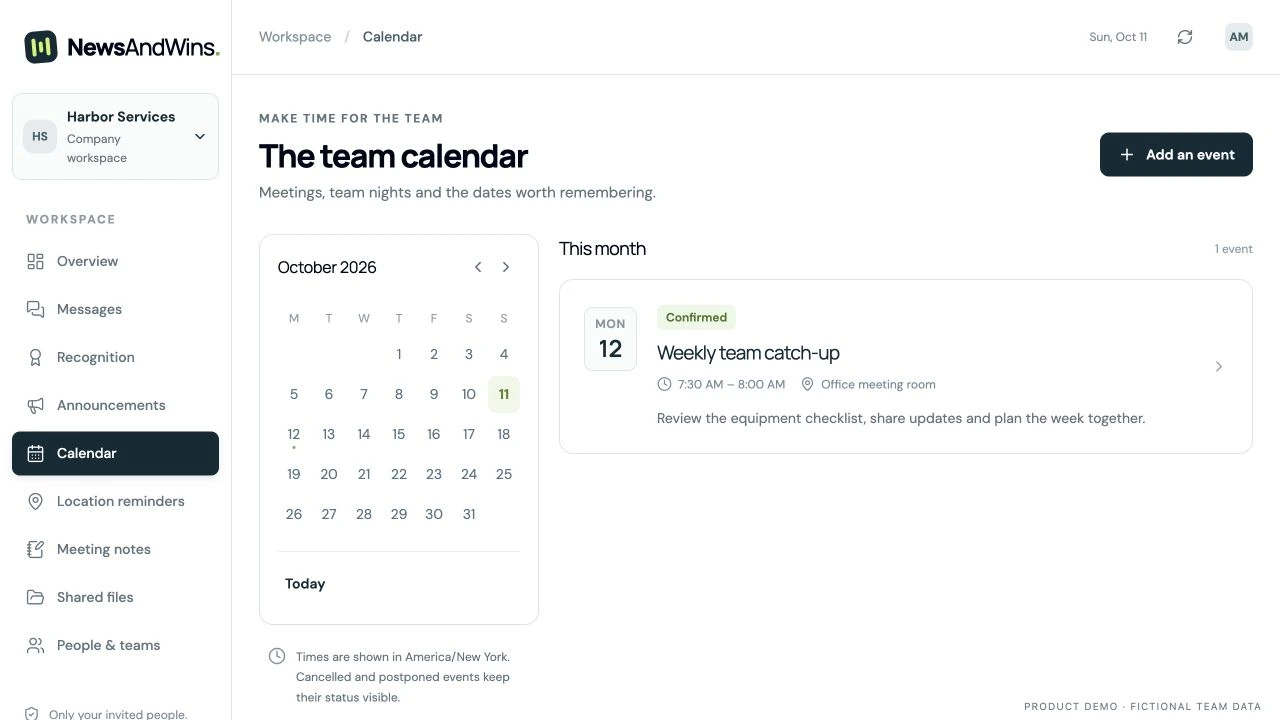
Meeting and event dates, locations, details and RSVPs.
Clear confirmed, postponed and canceled status.
Daily, weekly, monthly or yearly recurring events with an end date.
Optional team birthdays and work anniversaries.
Prepare now. Send later.
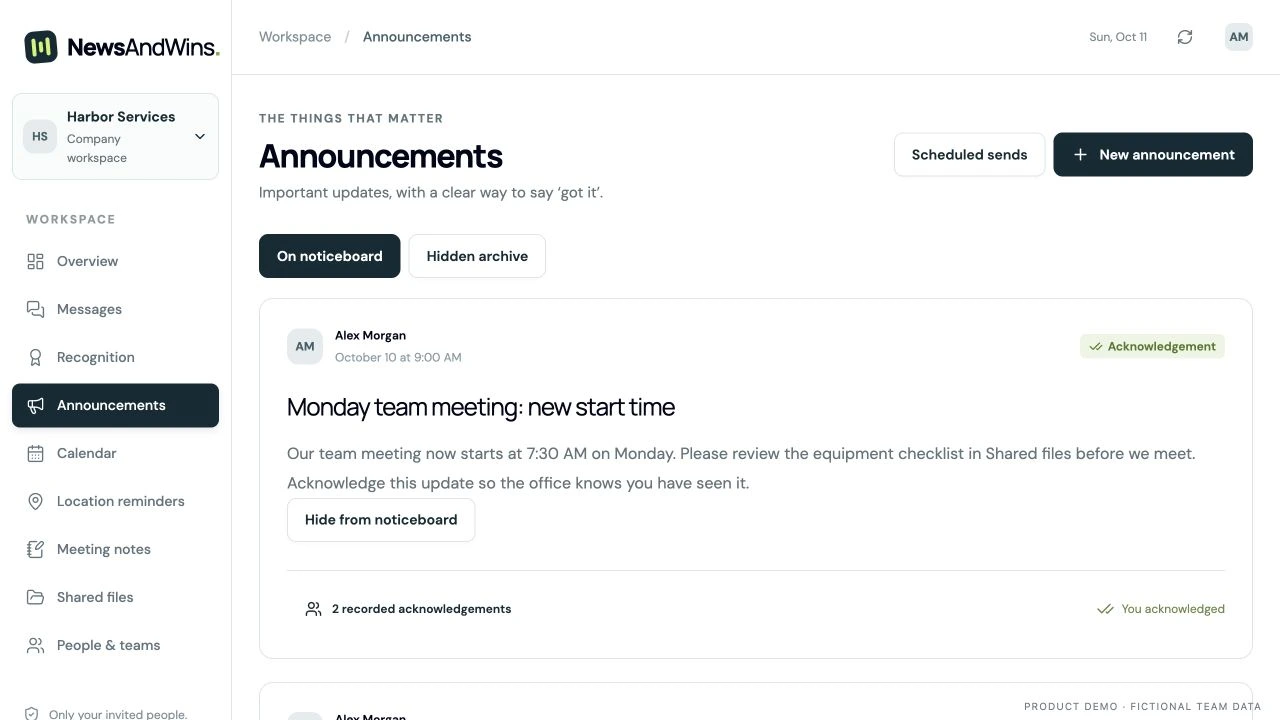
Choose a future send time for announcements, text messages and meeting notes.
Review pending sends, change their time or cancel them.
Server-side scheduling continues when the admin’s computer is closed.
Scheduled messages are text-only. Messages with attachments use Send now.
Meeting notes and follow-up
Upload PDF or Word meeting documents and keep existing written notes.
Link notes to an event so the details stay together.
Assign follow-up actions, add due dates and track completion.
Admin controls to remove notes that no longer belong in the list.
Organized shared files
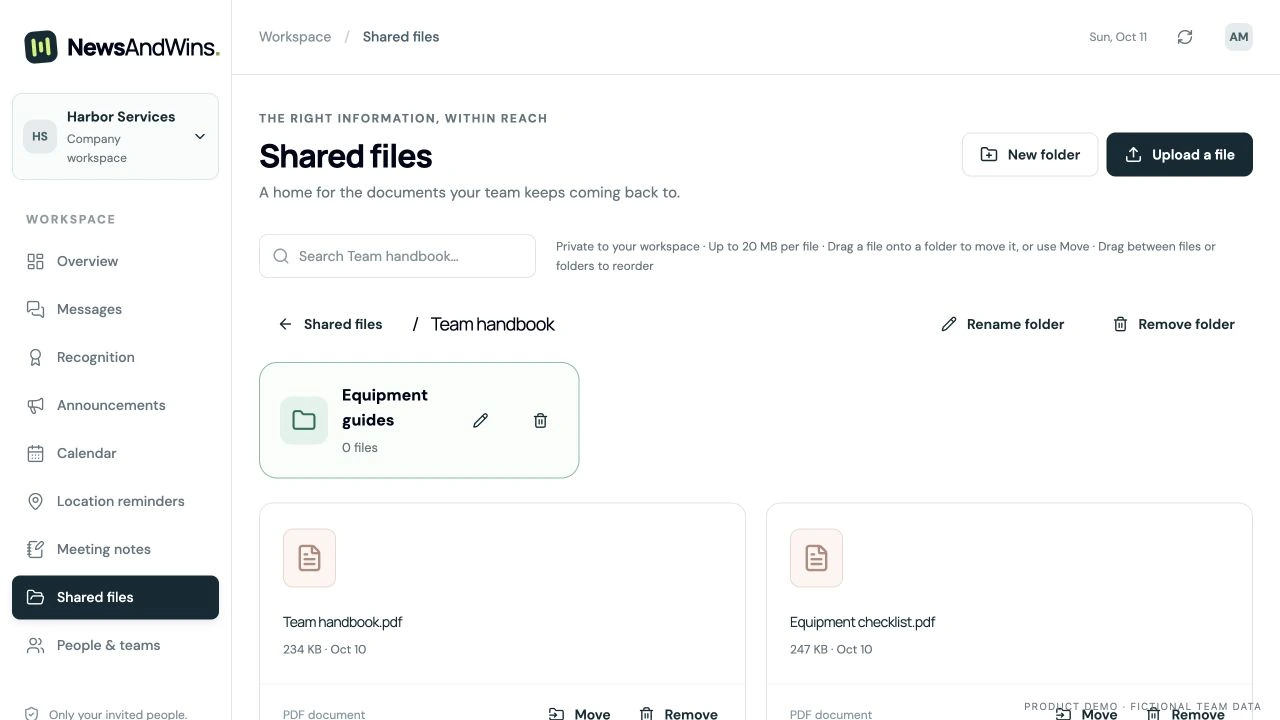
Upload team documents, images and audio, up to 20 MB per file.
Create and rename folders, upload into a folder and move existing files. The web Library supports nested folders up to eight levels.
Read PDFs inside the phone app and save files for offline access.
Admin controls to remove shared files and empty folders.
Folders are team-wide. Word documents open in a compatible app.
See what needs attention
Unread indicators for conversations, calendar updates and Library additions.
An updates inbox and company-named iPhone notifications.
Administrator read-status views for messages in conversations they belong to.
Read status records displayed messages, not proof they were understood. Sounds and badges depend on phone permissions and settings. Android remains in internal testing.
Simple, controlled access
Add technicians by name and privately share a personal activation code, with optional email invitations.
Technicians confirm their identity in the app—no email or password needed.
Manage team membership and decide who can receive direct messages.
Authenticated workspace access, private file storage and encrypted phone caches.
Made for the working day
Read previously saved messages, notes and files without a signal.
Queue messages, photos, voice notes, acknowledgements, RSVPs and action updates.
See which items are waiting and which the server has accepted.
An optional, compact forecast for today in supported US locations.
Go online to set up and save content first. Offline access lasts up to 24 hours after membership verification. Pending work syncs with a connection while the app is open or reopened. Weather is a forecast, not a safety alert.
FREE TRIALS FOR SELECTED BUSINESSES
Which part would help your team most?
Tell us about your team and what you’d like to improve.